Skip to content

Smart Surfing for Mac

Enjoy total online protection from the #1 best seller*

Smart surfing for Mac
  • Blocks IM and email links that lead to dangerous websites
  • Prevents websites from installing dangerous software on your Mac
  • Lets you decide what’s appropriate for your children with parental controls
  • Restricts Internet access by content categories
  • Allows you to block specific websites
  • Includes free automatic updates so your protection stays current

*Based on 12 months of aggregated U.S. retail sales data reported by the NPD Group in May 2011

(1 yr subscription; Auto-renewal plan details in cart)


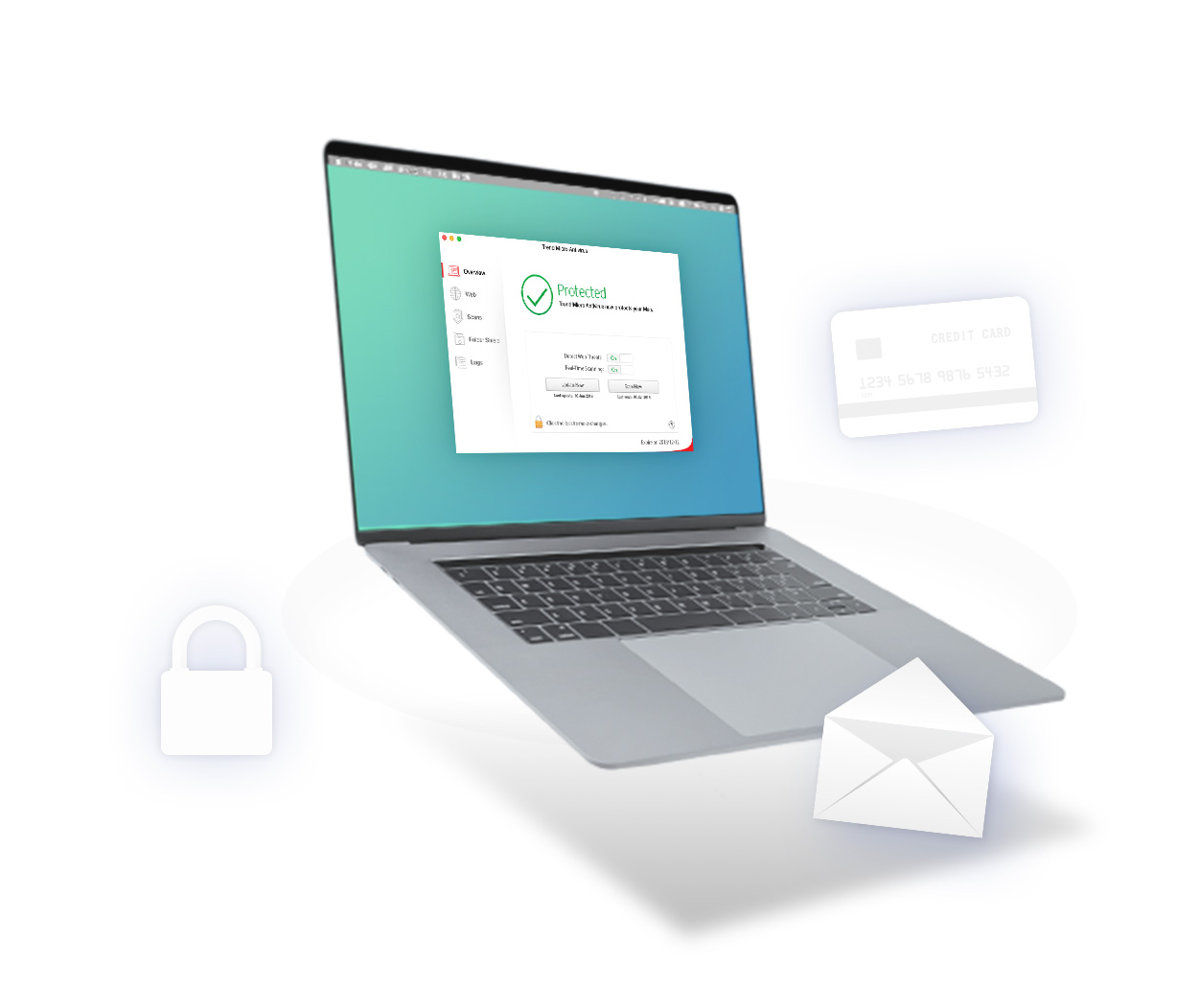
Trend Micro™ Smart Surfing for Mac protects your identity and personal data from malicious threats when you shop, bank, or browse online.

  Smart Surfing for Mac Other Products
Defends your personal data from viruses and spyware
Offers free automatic updates
Halts access to unsafe web pages  
Protects against phishing scams  
Blocks suspicious IM and email links  
Restricts Internet access by content categories  

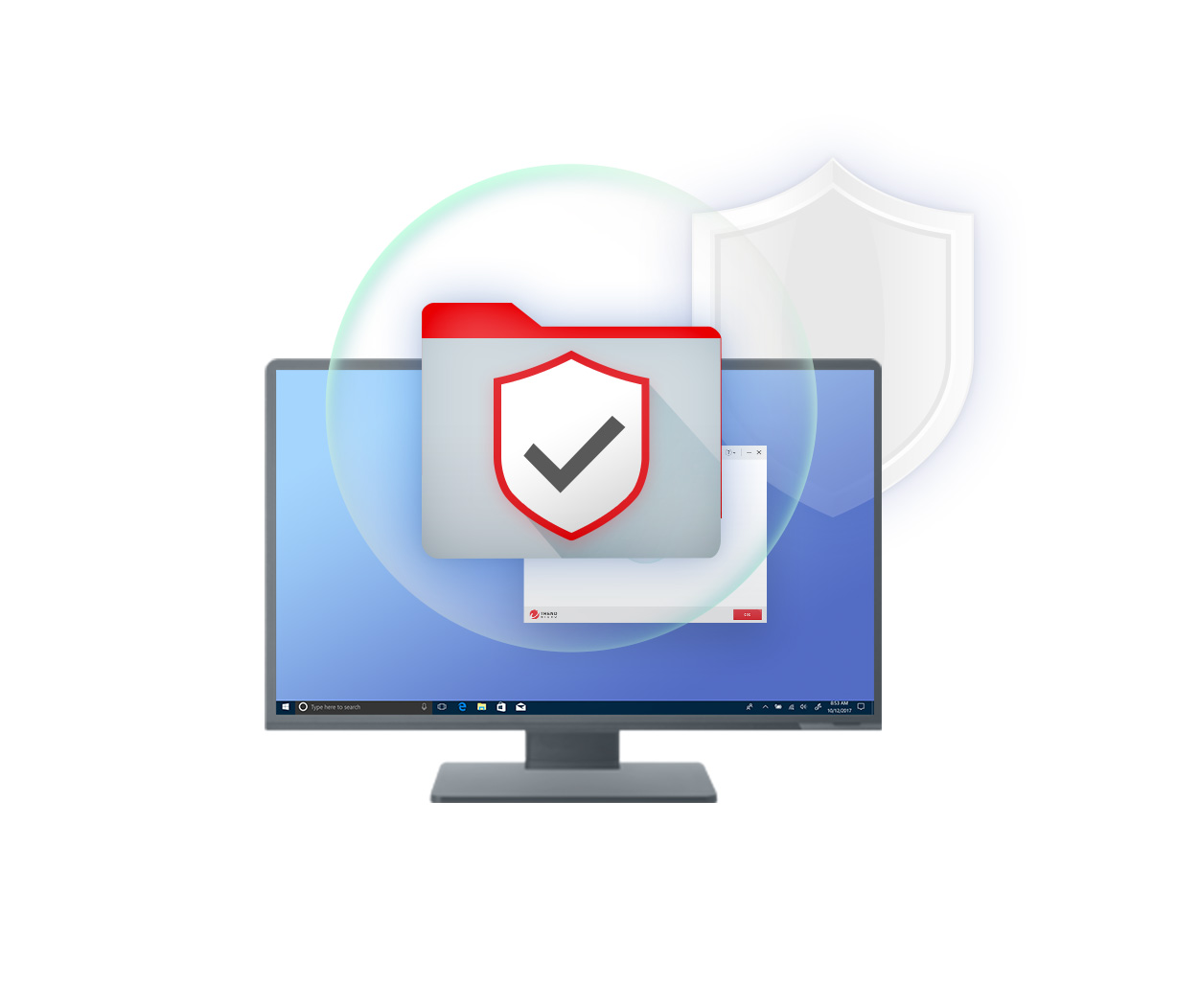
With Trend Micro Smart Surfing for Mac, your digital life is protected. It uses cloud technology to proactively stop viruses and spyware before they reach your computer, so it won’t slow you down. 

It’s the same technology we use to protect some of the world’s biggest businesses. It provides powerful, easy-to-use Internet security, so you can connect safely and with confidence.

Better protection

  • Smart Surfing for Mac has core technologies that provide state-of-the-art protection

More efficient

  • Smart Surfing for Mac scans faster, uses less CPU, and has a smaller footprint in memory and disk space than competing security products on the market today.

Easier to use

  • Smart Surfing for Mac’s user interface is easy to understand and use with simple screens and reports.

Set-and-forget security

  • Smart Surfing for Mac won’t hassle you with alerts and pop-ups.

Operating System CPU Memory Disk Space
Mac OSX™ version 10.7 "Lion" Apple™ Macintosh™ computer with Power PC™ (G4 or G5) or Intel™ processor 512 MB, 1 GB Recommended 400 MB
Mac OSX™ version 10.6 "Snow Leopard" Apple™ Macintosh™ computer with Power PC™ (G4 or G5) or Intel™ processor 512 MB, 1 GB Recommended 400 MB
Mac OSX™ version 10.5 "Leopard" Apple™ Macintosh™ computer with Power PC™ (G4 or G5) or Intel™ processor 512 MB, 1 GB Recommended 400 MB
Mac OSX™ version 10.4 "Tiger" Apple™ Macintosh™ computer with Power PC™ (G4 or G5) or Intel™ processor 512 MB, 1 GB Recommended 400 MB

What is the difference between Trend Micro™ Smart Surfing for Mac and Trend Micro™ Smart Surfing for the iPhone?

Trend Micro Smart Surfing for Mac protects your Apple computers, as well as your identity and personal data from malicious threats when you shop, bank, or surf online. Trend Micro Smart Surfing for iPhone protects mobile devices from web threats. Both of these security products are powered by the Trend Micro Smart Protection Network™ - an industry-leading content security infrastructure.

How does Smart Surfing for Mac help me avoid web pages with hidden threats?

When you attempt to visit a website, Smart Surfing communicates with the Trend Micro Smart Protection Network servers to obtain a rating for the website. The page rating is indicated by a colored icon next to the website address. Depending on the rating and the user defined Protection Strength settings, the website may be blocked. When access to a website is blocked a notification appears in the browser window.

Smart Surfing ratings apply to both the page that is currently open, and to web pages listed in Google, MSN, or Yahoo search results

What do the web page ratings mean?

Safe - The page is safe to visit and does not contain unwanted content. All local pages are considered safe.

Suspicious - The page contains suspicious content. We do not recommend you browse a page rated suspicious.

Dangerous - The page has been found to contain hidden malicious software or signs of involvement in "phishing.”

Untested - This web page has not been evaluated by Trend Micro.

How can I get more technical assistance?

Start with visiting our tech support web page.


Connect with us on