Skip to content

Pinterest
More Options

Titanium Internet Security: Advanced Protection

Trend Micro™ Titanium™ Internet Security is strong, easy-to-use protection for what you and your family do online every day. It features:


Titanium is protection made easy.

Titanium Internet Security awarded 4.5 out of 5 stars by PCWorld


PCWorld 4.5 Stars: Internet Security

Which version of Titanium is right for you?

Antivirus +

Internet Security

Maximum Security

Premium Security

$TIAV
1 year / 1 PC
Auto-renewal plan details in cart
$TIIS
$TIIS_SALE
1 year / 3 PCs
Auto-renewal plan details in cart
$TIMS
$TIMS_SALE
1 year / 3 Devices
Auto-renewal plan details in cart
$TIPS
$TIPS_SALE
1 year / 5 Devices
Auto-renewal plan details in cart
Buy Now
Free Trial
Buy Now
Free Trial
Buy Now
Free Trial
Buy Now
Free Trial
Easy-to-Use & Essential Threat Protection
IMPROVED! Protects you from viruses, spyware, worms, Trojans, phishing, botnets, rootkits, fake AV, and more antivirus + internet security maximum security premium security
Blocks unsafe websites, and warns about dangerous sites before you click on them antirvirus + internet security maximum security premium security
Finds and blocks malicious links in emails or IMs and spam from your email antirvirus + internet security maximum security premium security
Boosts the Windows Firewall and validates WiFi networks and hotspots antirvirus + internet security maximum security premium security
Social Network Safety
EXPANDED! Indicates dangerous links on Facebook, Twitter, Google+, LinkedIn, Pinterest, MySpace, Sina Weibo and Mixi antirvirus + internet security maximum security premium security
NEW! Identifies settings that may leave your personal information vulnerable using the new Privacy Scanner For Facebook feature antirvirus + internet security maximum security premium security
Maximize Performance
Improves PC performance by cleaning up temporary files, registries, browser history, cookies and the start-up manager using System Tuner   internet security maximum security premium security
Protect Children Online
NEW! Restricts web content and access to desktop applications. Sets an access schedule for your kids   internet security maximum security premium security
EXCLUSIVE! Includes Trend Micro™ Online Guardian to monitor and protect kids on social network websites like Facebook, Twitter, and MySpace     maximum security premium security
Protect Data From Loss and Theft
Safeguards personal information like credit card numbers and passwords Shreds sensitive data using Secure Erase   internet security maximum security premium security
EXCLUSIVE! Includes Trend Micro™ SafeSync™ for online storage with mobile access     5GB 25GB
EXCLUSIVE! Includes Trend Micro™ DirectPass™ to manage and protect your online passwords     maximum security premium security
Stores sensitive documents in a password protected folder and allows you to remotely lock files in case of computer loss or theft     maximum security premium security
Platform Protection
NEW! Lets you safely browse in Windows 8 Metro using Trend Micro™ SafeGuard antirvirus + internet security maximum security premium security
NEW! Lets you secure Windows 8 Tablets with Trend Micro™ Go Everywhere     maximum security premium security
Protects Android devices with Trend Micro™ Mobile Security for Android     maximum security premium security
EXPANDED! Up to 5 devices for 1 year 1 PC 3 PCs 3 Devices
PC, Mac, Android
5 Devices
PC, Mac, Android
  $TIAV
1 year / 1 PC
Auto-renewal plan details in cart
$TIIS
$TIIS_SALE
1 year / 3 PCs
Auto-renewal plan details in cart
$TIMS
$TIMS_SALE
1 year / 3 Devices
Auto-renewal plan details in cart
$TIPS
$TIPS_SALE
1 year / 5 Devices
Auto-renewal plan details in cart
Buy Now
Free Trial
Buy Now
Free Trial
Buy Now
Free Trial
Buy Now
Free Trial

open all

Strong Antivirus Protection Made Easy

Titanium main console screen

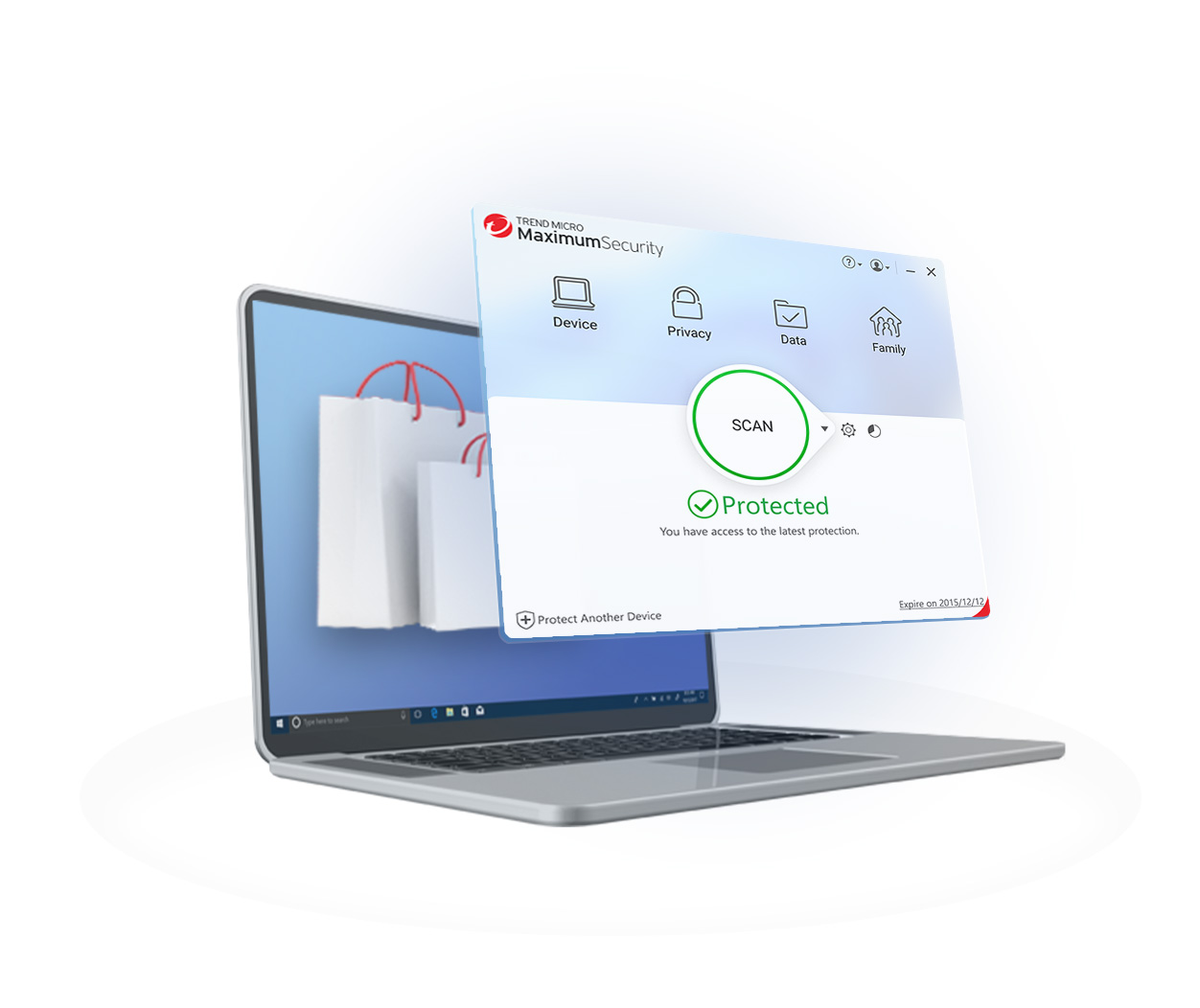
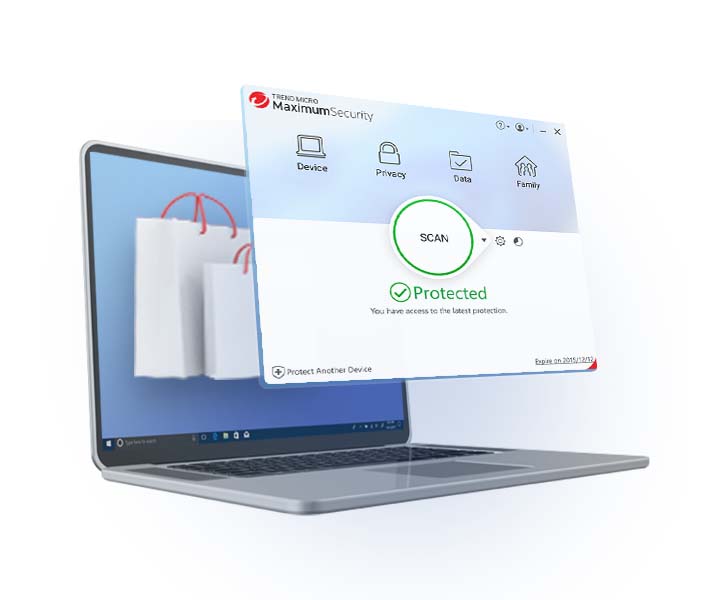
From the Titanium main console screen, you can easily run antivirus scans, get up-to-the-minute status reports on your computer's security, and use short cuts to features like the Facebook Privacy Scanner.

You can also view the status of your protection, including details about the software, online help, and account information.

See full screenshot

Detailed Security Reports

Detailed security reports

Easy-to-read reports give you the details on current computer threats. You can see detailed logs with just one click.

See full screenshot

Social Networking Protection

Social network protection

Titanium’s social networking security automatically scans your Facebook wall or Twitter feed and shows you safe links by highlighting them in green. Potentially malicious ones are highlighted in red. The color-coding relies on Trend Micro's cloud-based Smart Protection Network™ infrastructure that continuously analyzes threat behavior. When Titanium identifies a bad link, it will even let you easily and quickly warn your friend. Titanium can protect you online and help keep your friends safe too.

This feature also works on Google+, LinkedIn, Pinterest, MySpace, Mixi, and Sina Weibo.

See full screenshot

Privacy Scanner For Facebook

Facebook privacy protection

Titanium’s new Privacy Scanner For Facebook provides you with another layer of protection. With a single click, it lets you easily monitor your Facebook page settings and control who can contact you and access your personal information. Titanium will identify which settings may lead to privacy concerns. This feature lets you control which apps can access your bio, who can tag you, see your photos, and more.

See full screenshot
Watch Tutorial

Web Threat Protection

Web threat protection

Titanium pre-sets web threat protection to block malicious links and downloads in emails, instant messages, or websites. This recommended level of security protects you from online phishing scams that try to steal credit card or other personal financial information. You will be warned of unsafe web pages and blocked from accessing them.

See full screenshot

Parental Controls

Parental controls

Easily protect your kids 24/7 from inappropriate websites, control the apps they can access, limit their Internet time, and review detailed activity reports about what they do online with Titanium parental controls. Select from a range of settings recommended by online child safety experts for different age groups or quickly customize the parental settings yourself. Different settings can be created for each member of your family.

See full screenshot
Watch Tutorial

Data Theft Prevention

Data theft prevention

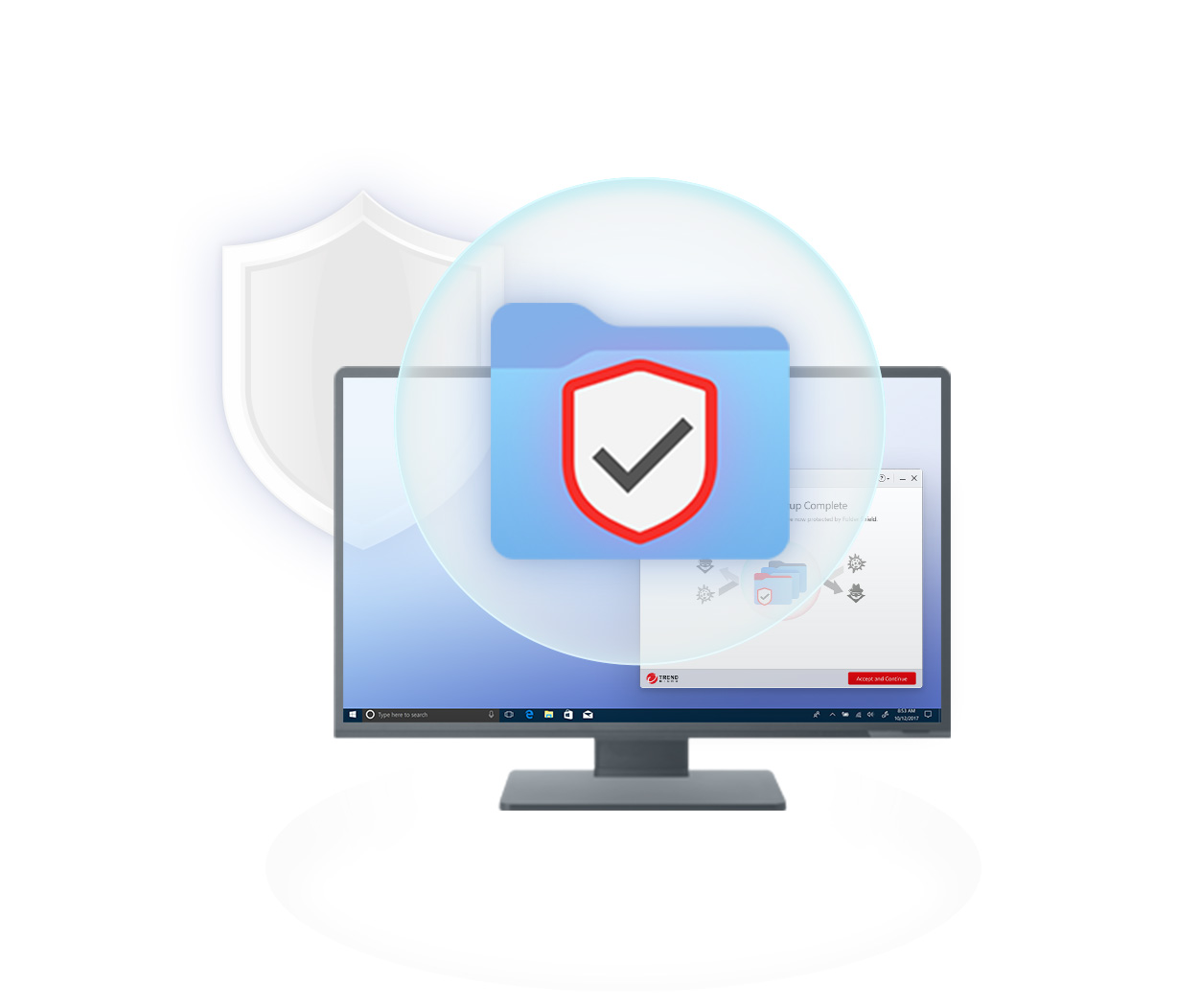
Titanium can help prevent hackers and spyware from stealing credit card numbers, passwords, and other sensitive data.

Now, you can stop confidential data from going into web pages, email messages or instant messaging. Use the pre-defined categories or set new ones of your own. Putting just part of a word or number into the Data Theft Prevention list can still protect the whole thing.

See full screenshot
Watch Tutorial

Secure Erase

Secure erase

Use Secure Erase to shred unwanted files permanently. Deleting a file just removes the directory information, but not the actual data. The Secure Erase feature overwrites deleted files with random data, so that the contents can't be retrieved.

See full screenshot
Watch Tutorial

System Tuner

System Tuner

System Tuner improves PC performance by recovering disk space, cleaning the registry, removing application histories, and instant messaging logs. Optimize your PC performance by easily setting a regular schedule to tune-up your operating system.

See full screenshot
Watch Tutorial

Personalize Your Titanium

Personalize your Titanium

Customize your Titanium software user interface with a favorite photograph or image. Simply upload your chosen picture to personalize your Titanium experience.

See full screenshot

Windows 8 CompatibleTitanium is compatible with the newest release of the Windows OS, Windows 8.


Trend Micro™ Titanium™ Internet Security is protection for what you and your family do online every day—email, socialize, bank, browse, and shop. It features set-and-forget security that won’t pester you with annoying alerts and pop-ups

Key Benefits

  • Blocks viruses, malware, and dangerous links shared through email and IM
  • Identifies safe and malicious search result links in Chrome, Internet Explorer, and Firefox
  • Identifies safe and malicious links in popular social networking sites like Facebook, Twitter, Google+, LinkedIn, and Pinterest
  • Helps keep kids safe online with customizable parental controls
  • Is easy-to-install and has friendly interface
  • Provides simple screens and clear, easy-to-understand reports

Titanium Overview Video

See how protection is made easy. (3:07)

Internet Security Key Features
Features Video

Learn how Titanium's unique and powerful features can help you and your family stay safe online. (2:18)


Titanium Whole Product Dynamic Real World Protection Test

Titanium File Detection Test


System Requirements

Operating SystemCPUMemoryDisk Space
Windows® 8 Family (32 or 64-bit) 1Ghz 1GB (32-bit)
2GB (64-bit)
500MB
(600MB recommended)
Windows® 7 Family (32 or 64-bit) 800MHz
(1Ghz recommended)
1GB 500MB
(600MB recommended)
Windows® Vista Family (32 or 64-bit)
Service Pack 2 or higher
800MHz
(1Ghz recommended)
512MB
(1GB recommended)
500MB
(600MB recommended)
Windows® XP Family (32-bit only)
Service Pack 3 or higher
350MHz
(800MHz recommended)
256MB
(512MB recommended)
500MB
(600MB recommended)
Other Requirements
Web Browser Microsoft® Internet Explorer® 7.0 or above
Mozilla Firefox® 3.6 or above
Google Chrome™ 10.0 or above
Display High-color display with resolution 800x480 pixels or higher

Datasheet (PDF)


Connect with us on